In development

ToonFlick

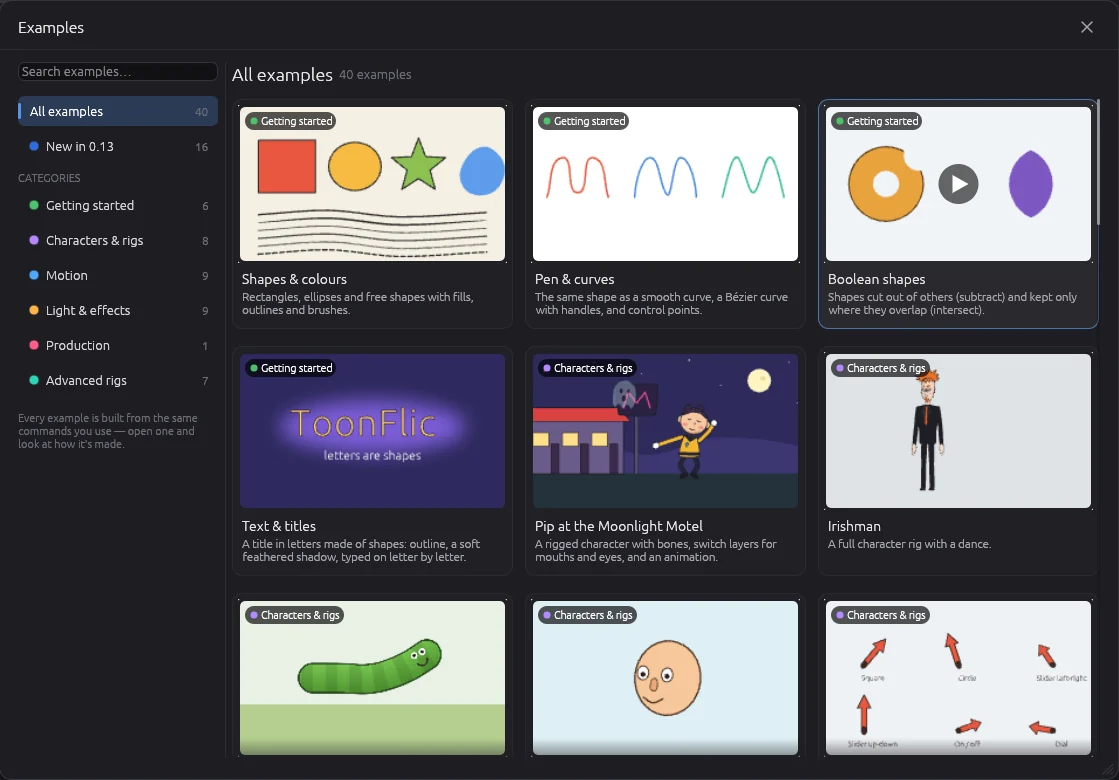
A 2D cartoon animation studio. Draw, rig, animate and render — in one place.

Written in Rust. Rendered on the GPU. Open to AI agents.

Explore features See screens

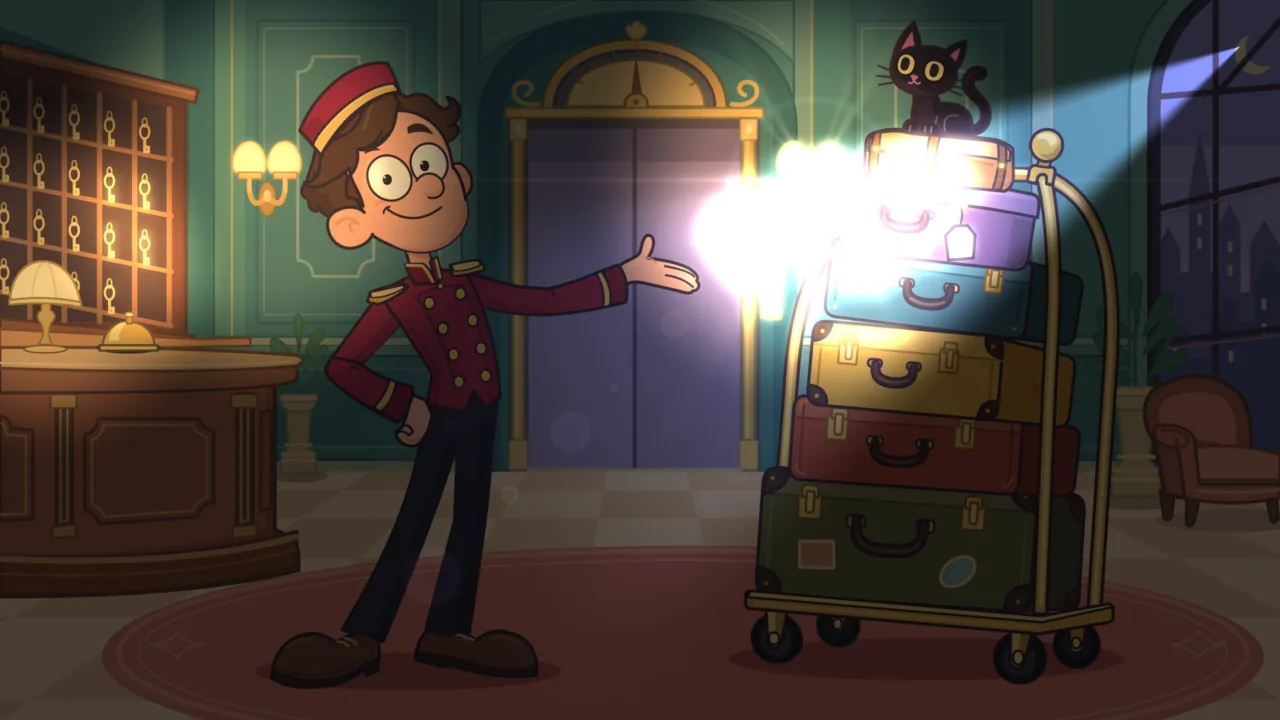
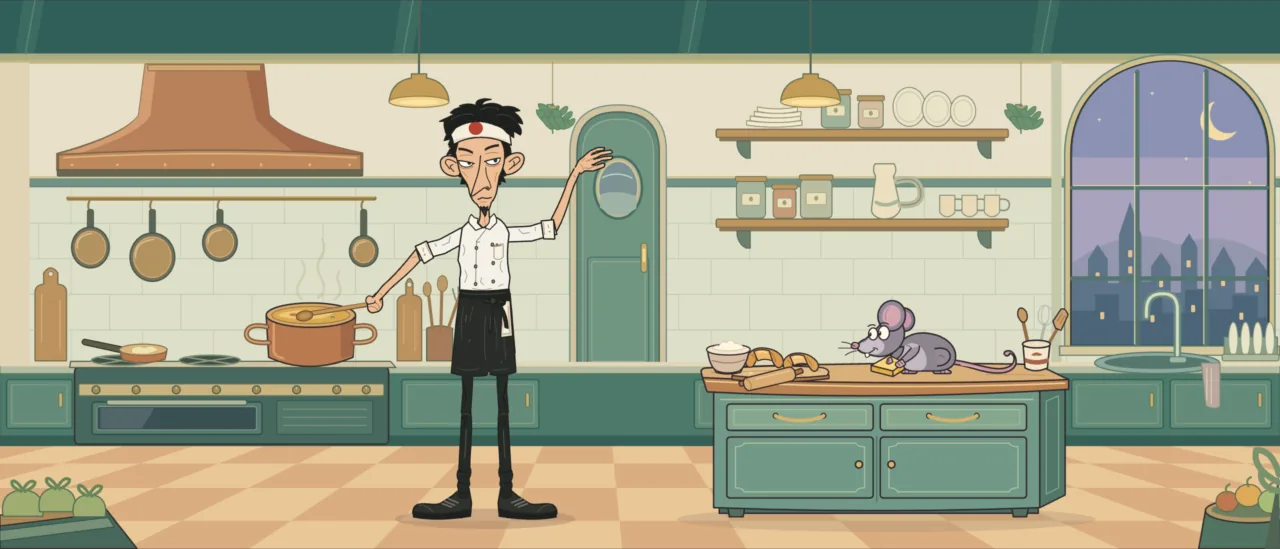
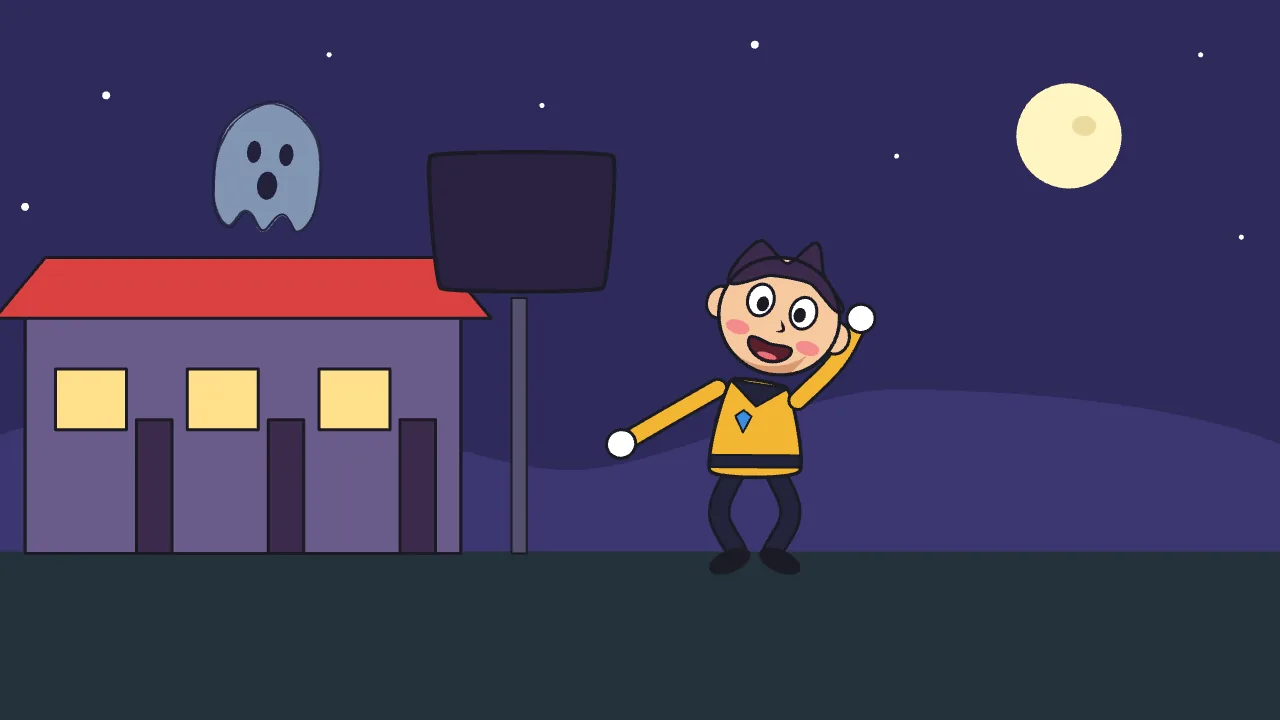
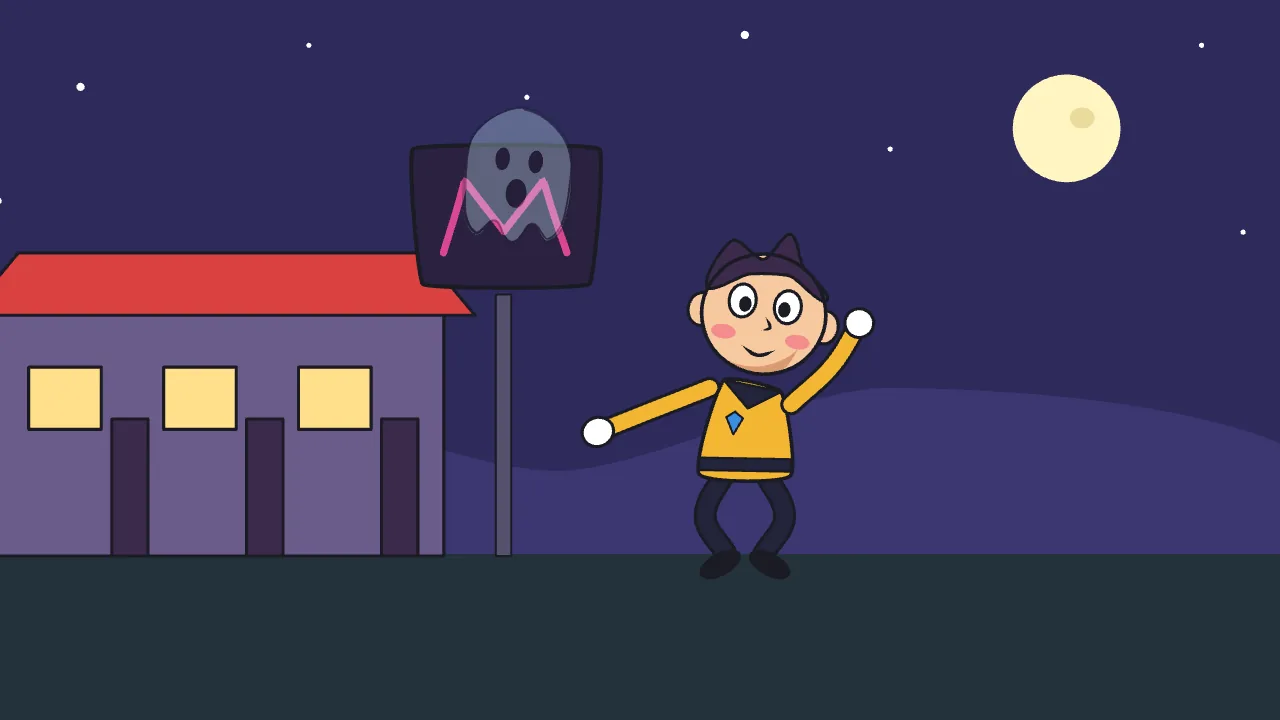
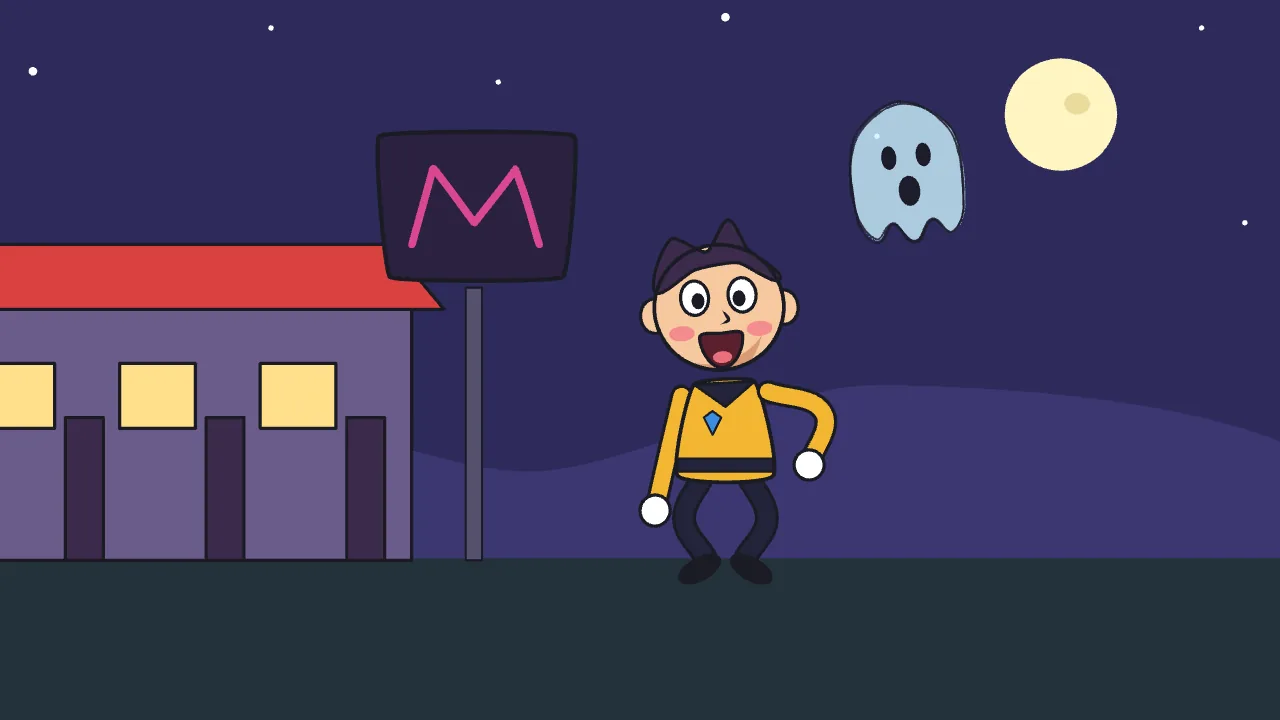
96 frames, rendered straight out of ToonFlick.

What it does

Everything a cartoon needs

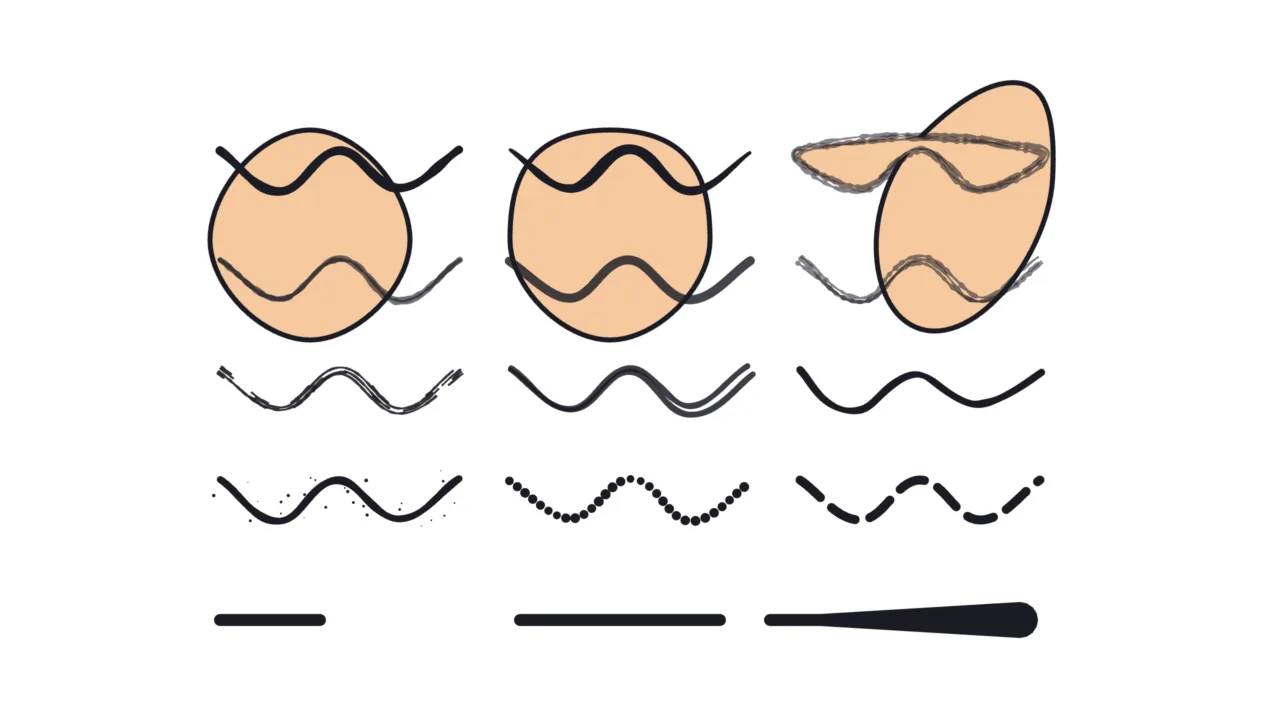
A hand-drawn line that boils, and a stroke drawing itself on

Lines with character

Vector drawing that feels hand-made — and can stay alive.

  • 12 line brushes: solid, ink, calligraphy, pencil, marker, chalk, dry brush, sketchy, wavy, splatter, dotted, dashed
  • Animated “boiling” lines
  • Per-point line width and per-branch visibility for draw-on effects
  • Smooth, Bézier and NURBS curves
  • Masking, with outlines on the clipped result
  • 26 palette presets, skin tones included
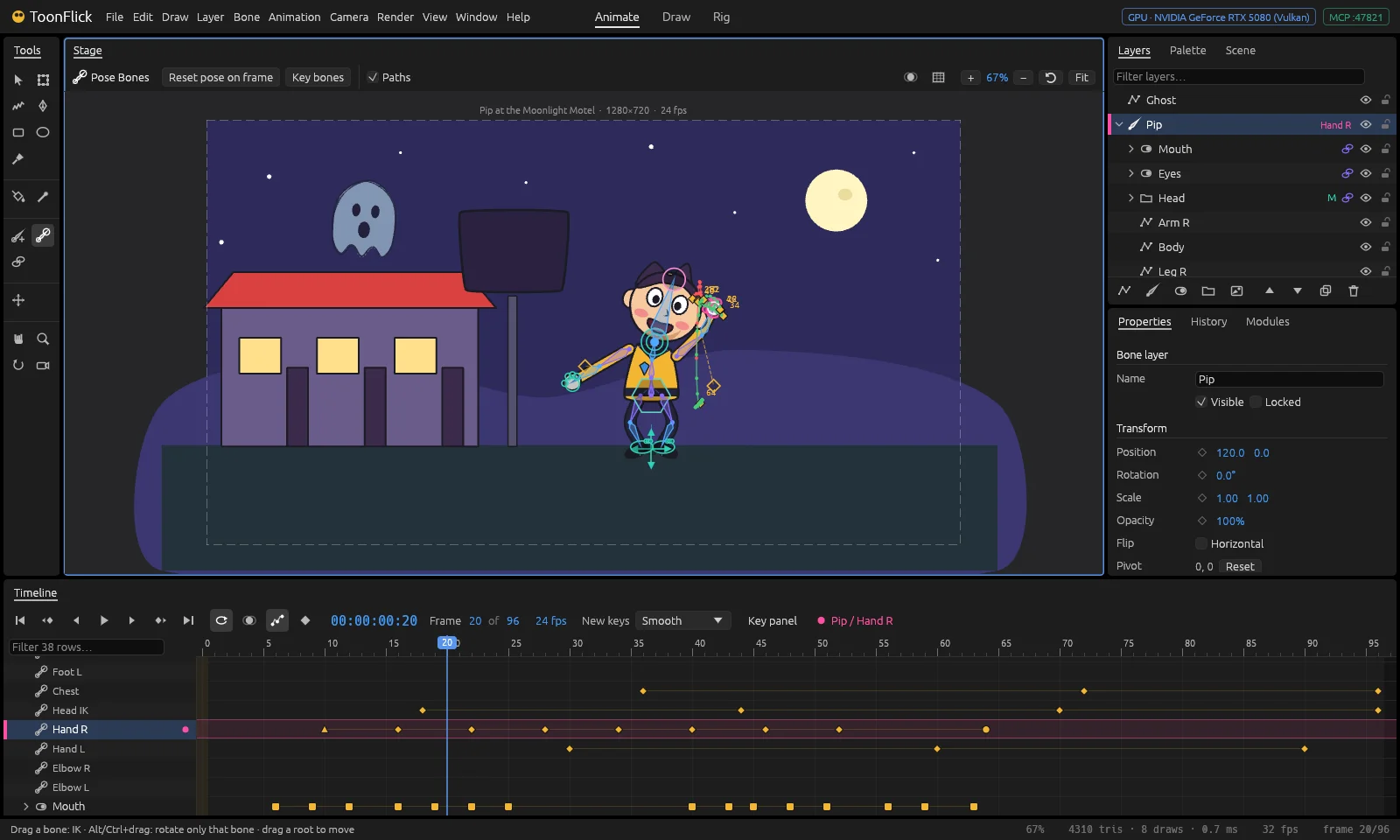
A three-bone arm reaching for a moving IK target

Rigs that behave

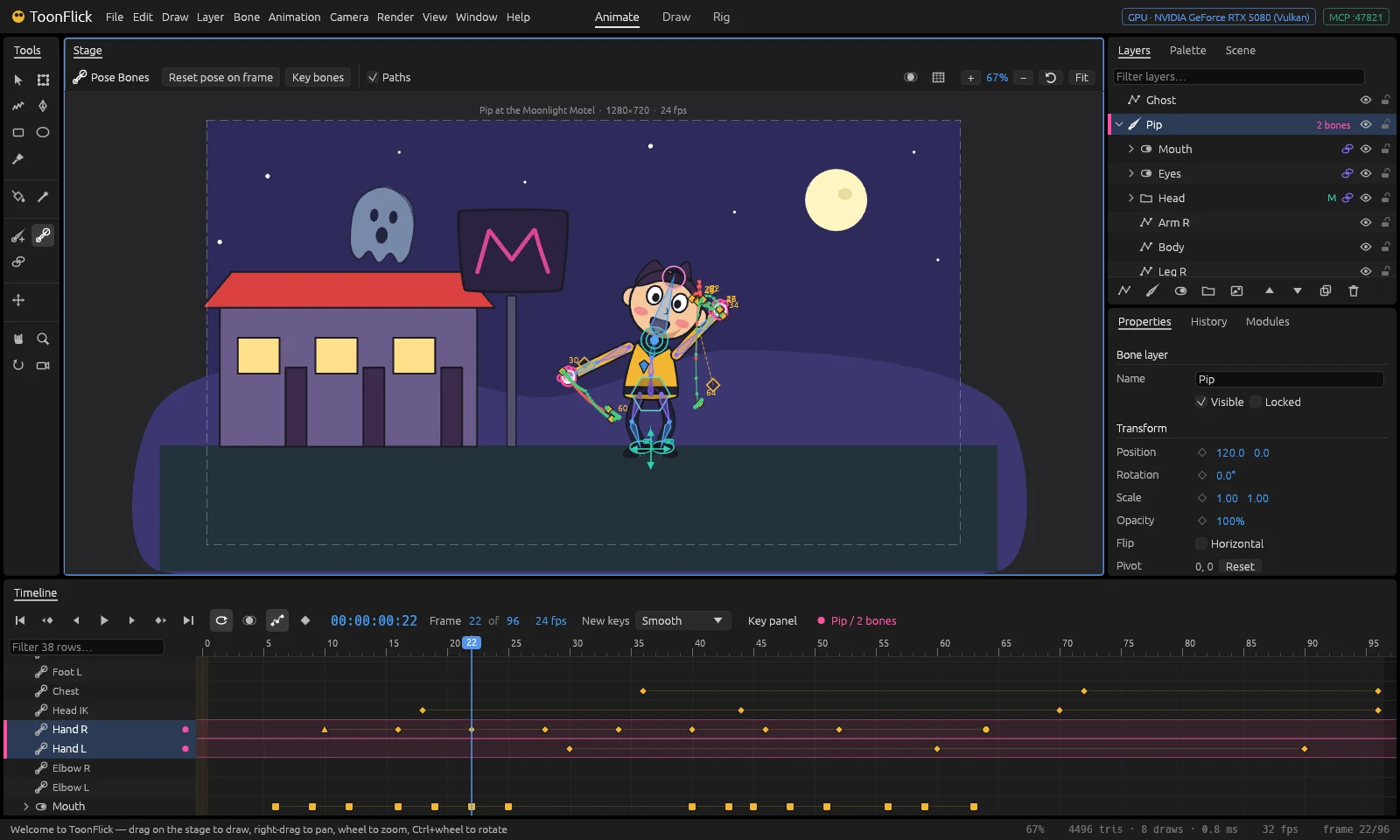
Bones, controllers and IK, built for cartoon characters.

  • Bones with an IK/FK blend and a maximum IK stretch
  • Pole targets choose which way a limb bends
  • Controllers with 25 handle shapes
  • A body (centre-of-gravity) controller and a head aim controller
  • Smart-bone style correctives
  • Flexi and per-point binding
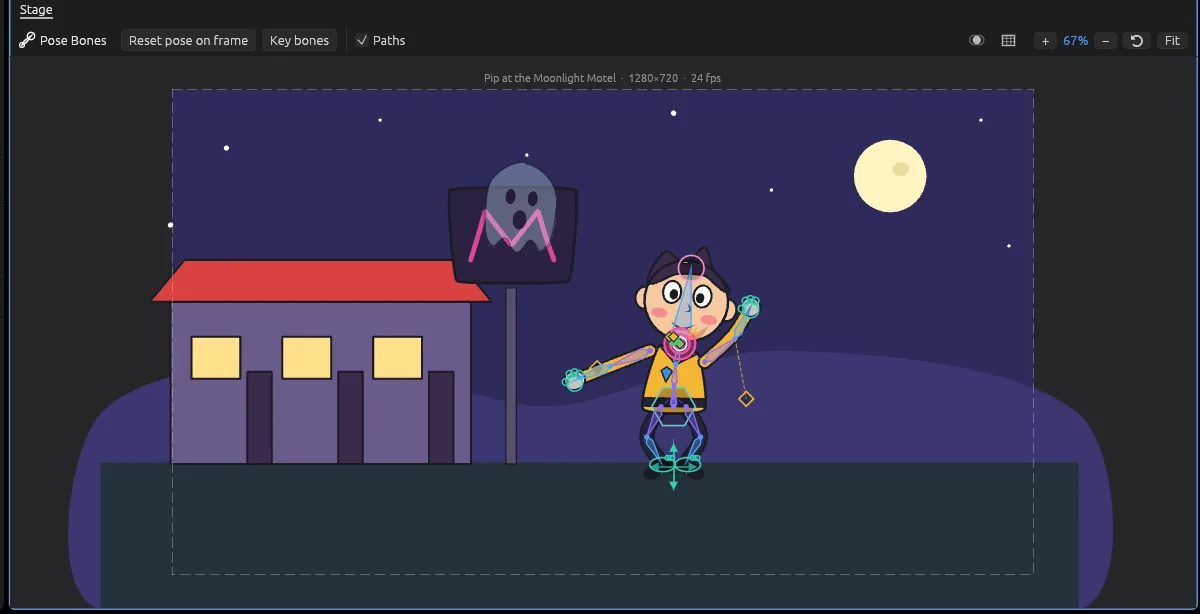
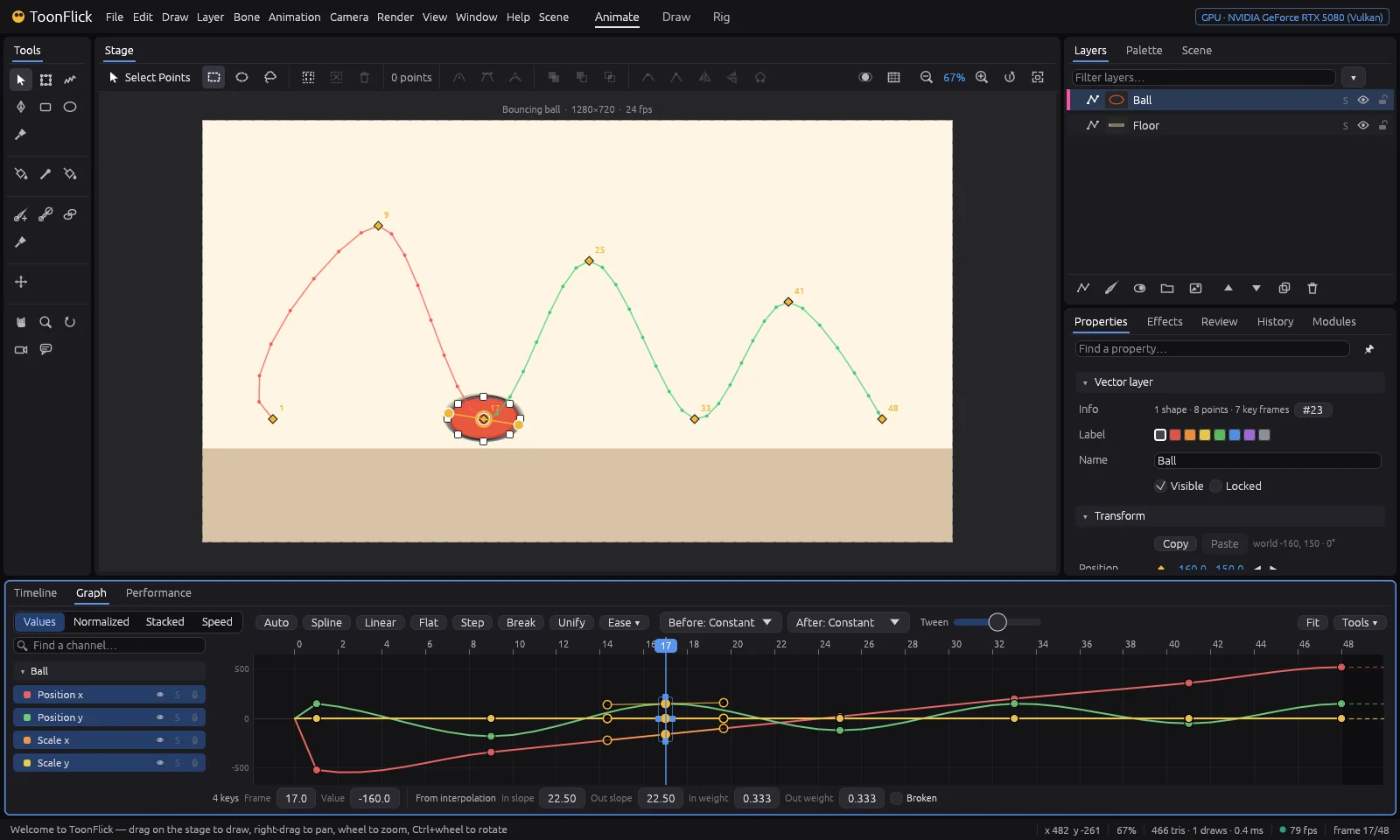
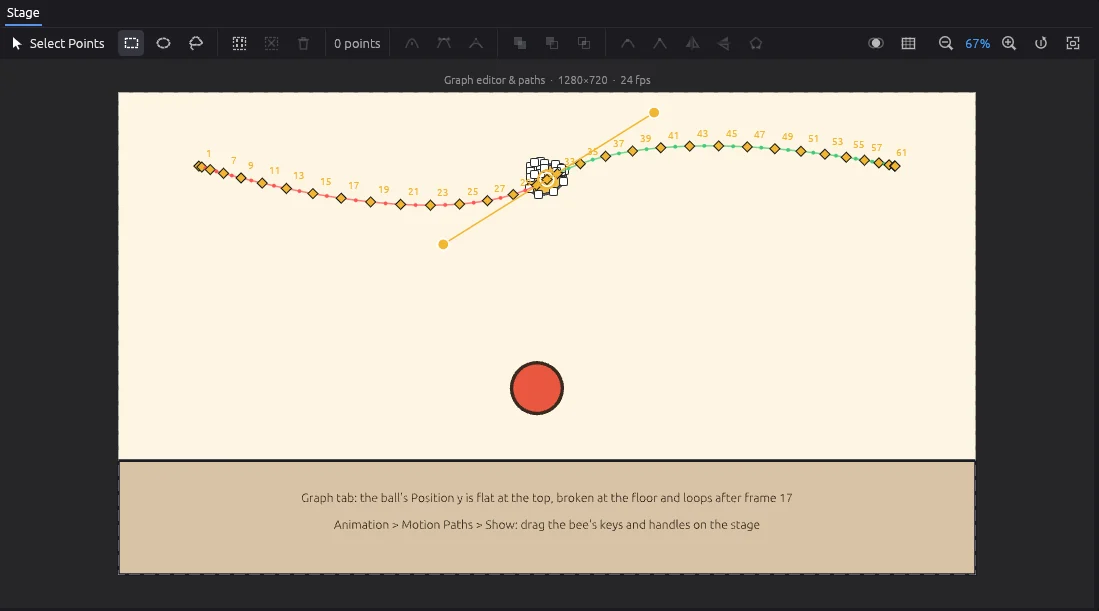
A ball bouncing along an eased arc, with its motion path and onion skin

Timing you can see

A timeline made for posing, not for spreadsheets.

  • Timeline with a key panel, box selection and copy & paste of keys
  • Motion paths of bones and onion skin
  • Interpolations: smooth, linear, ease, step, overshoot, bounce, elastic
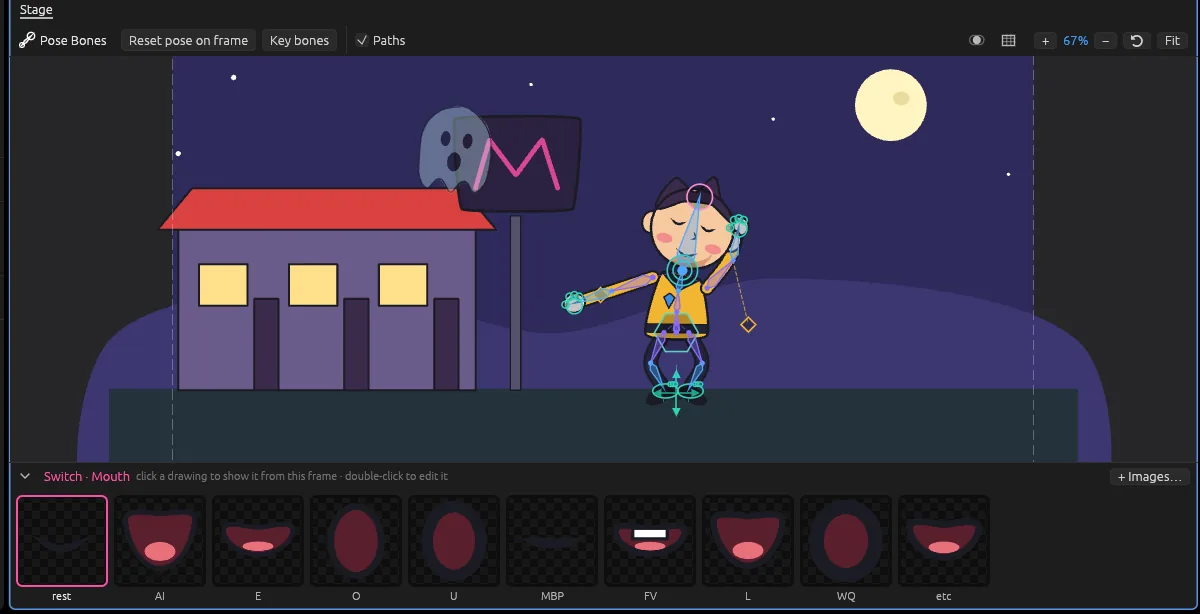
A cartoon face switching mouth shapes in time with an audio waveform

Mouths that talk

Switch layers swap whole drawings — made for mouth charts.

  • A drawing strip to pick the shape for each frame
  • Automatic lip-sync from audio
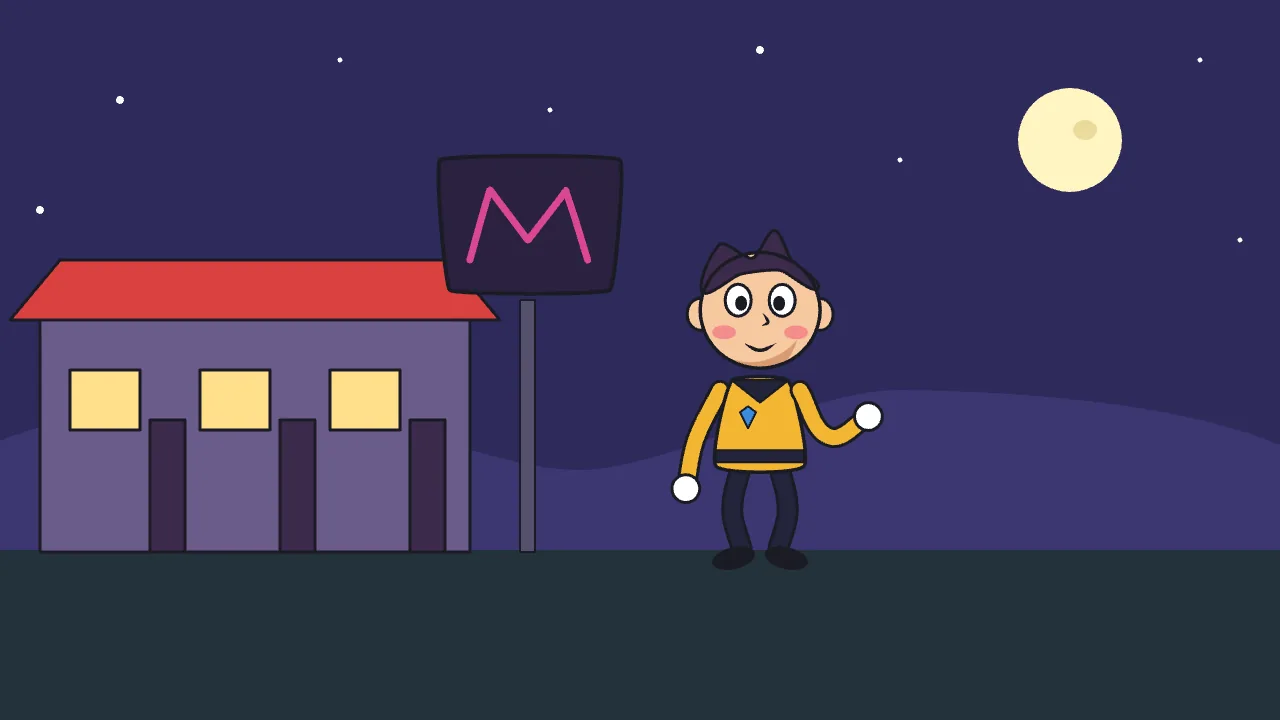
A camera frame shaking over a night scene

A camera with nerves

Shake presets that make a shot feel held, driven or hit.

  • Handheld, walk, run, vehicle, earthquake, impact, vibration, drift
A strip of frames being rendered into video formats MP4ProResWebM PNGGIF

Render and ship

From a quick preview to the final master, soundtrack included.

  • Quick render to a preview video
  • Final render to MP4 (H.264)
  • ProRes 4444 and WebM with transparency
  • PNG sequence and GIF
Commands flowing over MCP between an AI agent and ToonFlick AI MCP

Ready for AI agents

Every one of its 130+ commands can be driven over MCP, so AI agents can work in the studio too.

GPU from the ground up

Rendered with wgpu, written in Rust, built from modules.

See every feature →

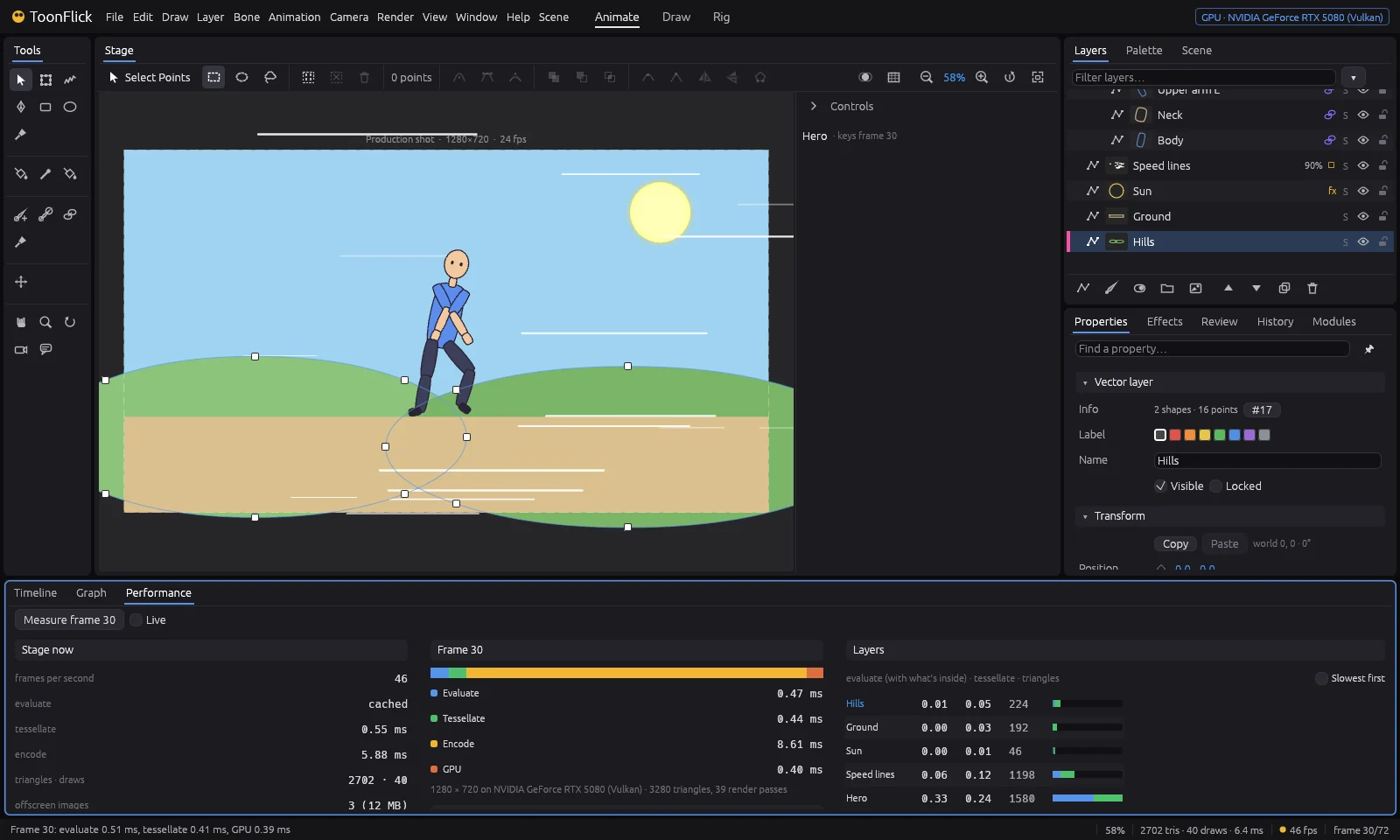
Performance

Fast by design

ToonFlick is built GPU-first. Rendering runs on the GPU (wgpu, 4× MSAA), the CPU work — rig, IK, tessellation — is spread over all cores, and nothing is redrawn while nothing changes.

1.3 ms
of work per frame for one character
4.9 ms
for 5 characters + 1,000 shapes
500k triangles
at about 20 fps — 20 characters + 5,000 shapes
2M triangles
still interactive at about 7 fps — 50 characters + 20,000 shapes
Frame budget at 24 fps

At 24 fps a frame has about 42 ms, so typical scenes use only a small fraction of the budget.

Measured during playback on an RTX 5080 with 16 CPU threads, at 1920×1080.

A look inside

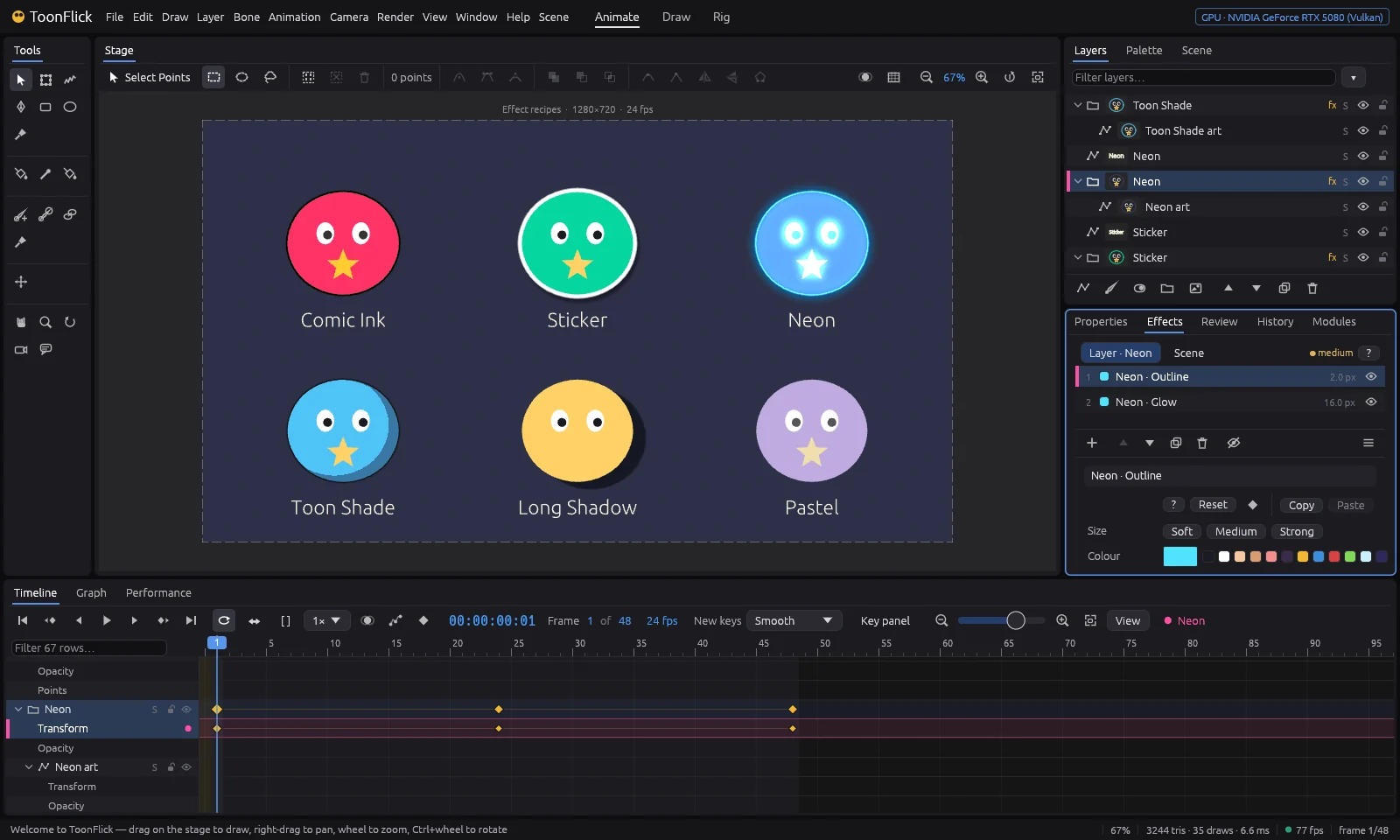
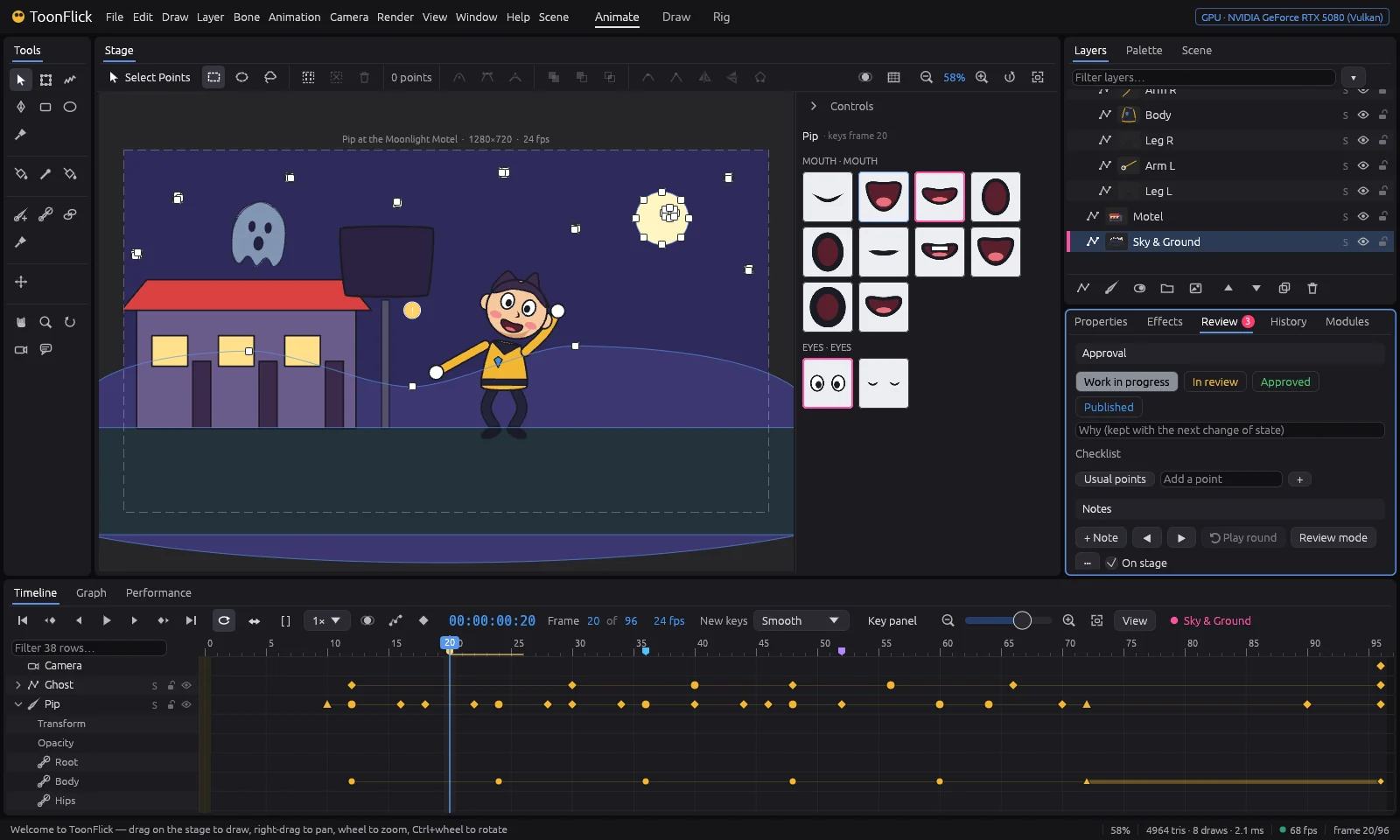
Screens

  • Rendered frame 1
  • Rendered frame 20
  • Rendered frame 36
  • Rendered frame 60

Clean renders from one shot: frames 1, 20, 36 and 60.

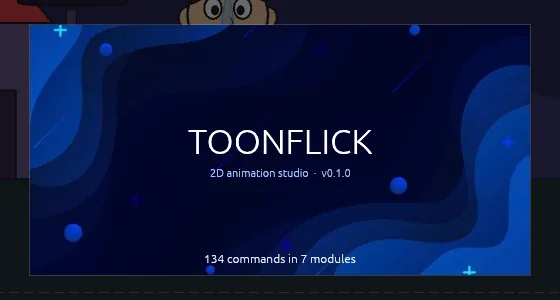
The ToonFlick start-up splash: deep blue waves with glowing dots

Status

In development

ToonFlick is being built right now. Download coming soon.

Current version 0.7.0 · See what’s new